
 Deutsch
 Français
 Nederlands
 English
 Español
Easy retrofit
Quick plug‑and‑play installation for portable displays and retrofit solutions with minimal effort.
Upgrade your vehicle with modern VOLAM CarPlay displays, dashcams and reversing cameras. Easy installation, wireless connection and more comfort while driving.
View on AmazonQuick plug‑and‑play installation for portable displays and retrofit solutions with minimal effort.
Stable Wi‑Fi and Bluetooth connections enable wireless VOLAM CarPlay for music, navigation and voice control.
From 7" to 10.25", VOLAM screens offer high resolution and fast touch response for better visibility while driving.
Multi‑channel recording, night vision and parking surveillance provide reliable security recording while driving and when parked.
The VOLAM range extends from compact 7" CarPlay displays to large 10.25" units and complete solutions with dashcams and reversing cameras. Choose by display size, integrated camera or portable format.
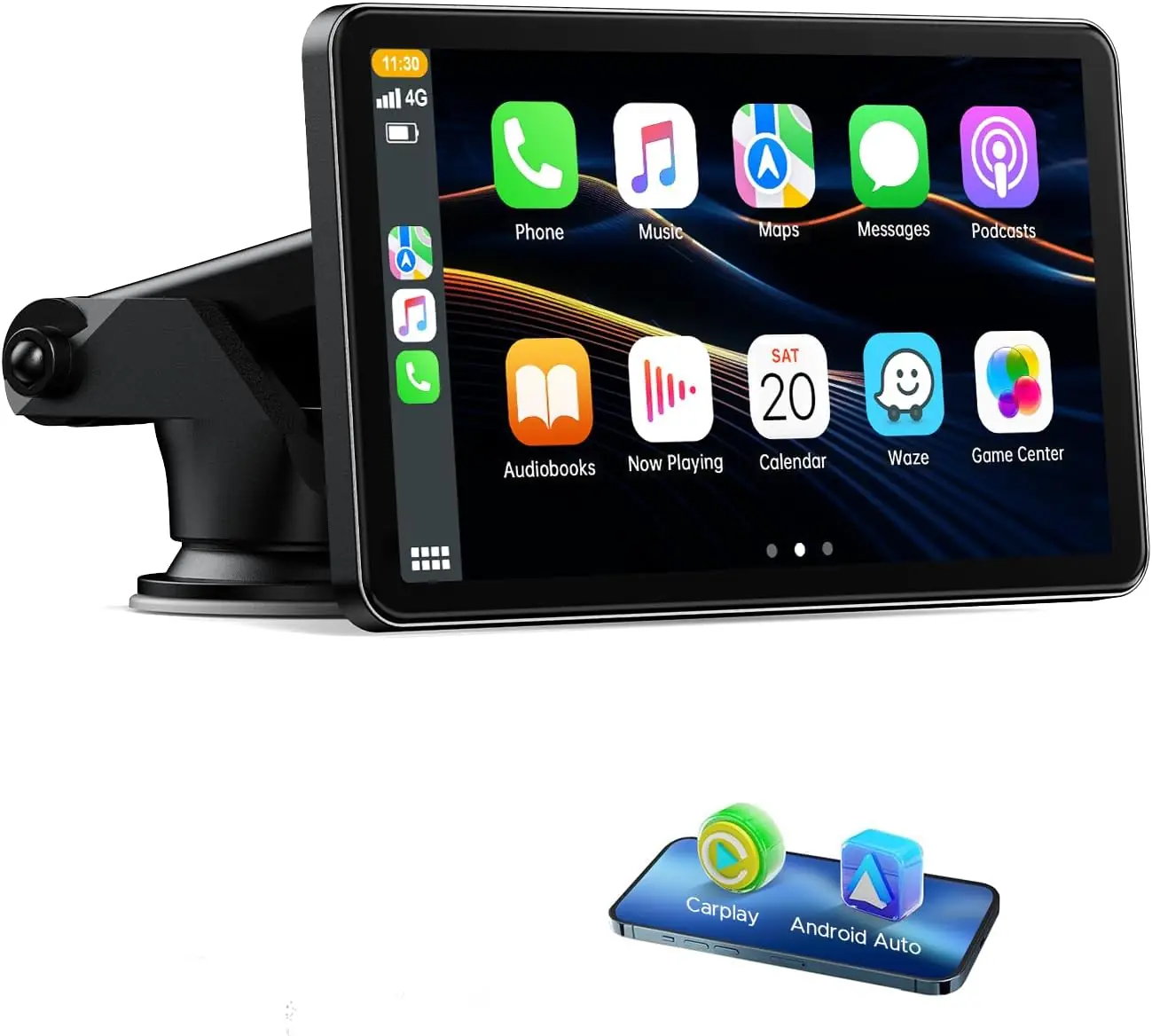
Compact 7" touch display with wireless CarPlay and Android Auto, voice assistant support (Siri/Google), Bluetooth 5.0 and Mirror Link for iOS and Android. Ideal as a portable retrofit solution for hands‑free calls, navigation and music control on the go.
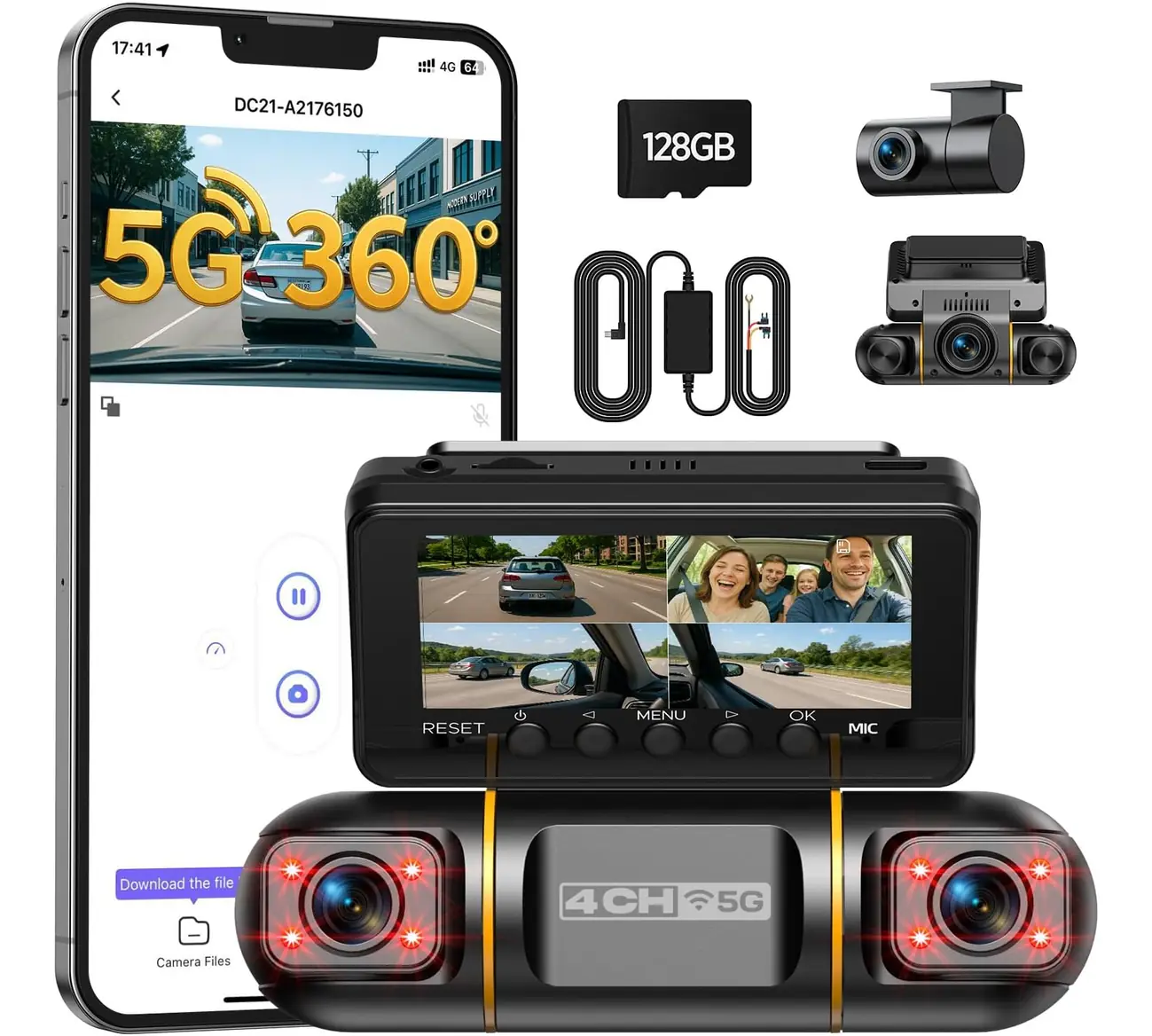
All‑round protection with four 1080p cameras for front, rear and interior, including 3.16" IPS display, IR night vision and hardwire kit for 24/7 parking surveillance. Fast 5GHz Wi‑Fi enables live streams and direct video transfer to your smartphone.
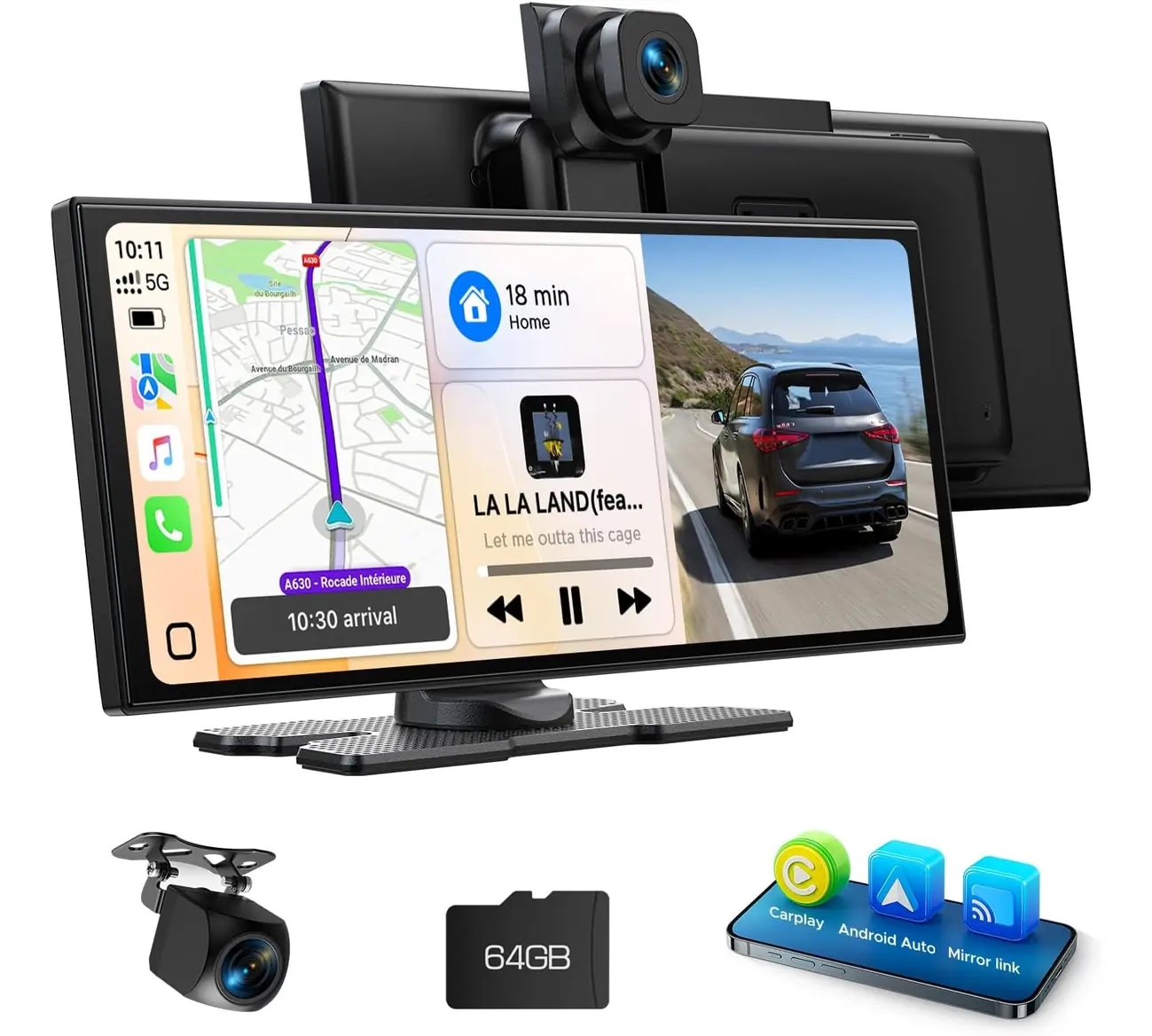
Large 10.25" in‑cell display with wireless CarPlay/Android Auto, 2.5K front camera and 1080p reversing camera. Slim design, smooth touch response and 64 GB storage for seamless navigation, recording and media playback.
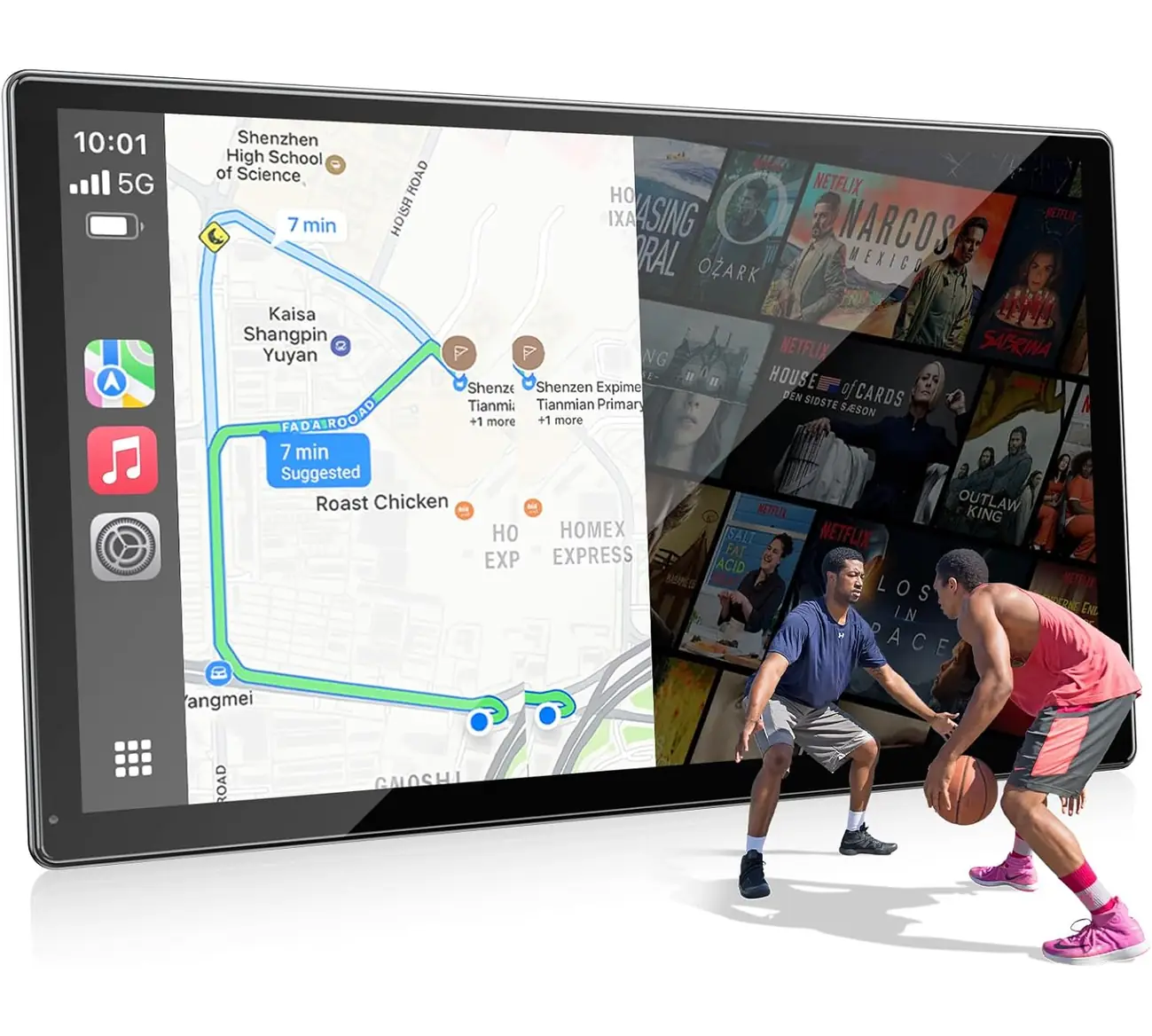
9" HD display with wireless CarPlay, Android Auto, Mirror Link and support for video apps via hotspot. Integrated reversing camera function, intuitive voice control and practical plug‑and‑play on the go.
VOLAM stands for practical multimedia electronics for retrofitting in cars. The product range includes compact and large CarPlay displays, combined dashcam systems and accessories designed for easy connectivity and operation. The designs are chosen so that they integrate discreetly into the vehicle while offering modern functions such as wireless CarPlay and Mirror Link.
Particular focus is placed on user‑friendliness and everyday usability: fast Wi‑Fi/Bluetooth pairing, clear touch response and practical recording modes on the move. Whether short trips in city traffic or long journeys — the devices offer navigation, media playback and safety functions in a package that is easy to install and operate.
Installing VOLAM CarPlay displays is straightforward and ideal for retrofitting in almost any vehicle. Many models are designed as portable solutions and do not require complex installation. In just a few steps you can equip your car with modern functions such as navigation, music and voice control.
Place the VOLAM display on the dashboard or attach it using the supplied mount. Ensure good visibility and secure mounting.
Connect the device via the cigarette lighter or USB port. Some models also support hard‑wiring for permanent use.
Activate Bluetooth and Wi‑Fi on your smartphone and connect it to the VOLAM display. CarPlay or Android Auto is then immediately available.
Real users report easy setup, stable wireless connections and the practical combination of display and camera.
Buyers most often praise everyday usability across the most popular models.
I installed the 10.25" model and navigation runs reliably via wireless CarPlay. Picture quality and touch response are very good, and the reversing camera helps with parking.
The 4‑channel dashcam gives me a better feeling of security. The app Wi‑Fi is handy, only the initial setup took a bit longer than expected.
The 7" display is ideal as an affordable retrofit solution. Wireless CarPlay works mostly smoothly, and the voice control recognises commands reliably.
Reviews are based on verified buyer opinions and user experiences with VOLAM CarPlay products.
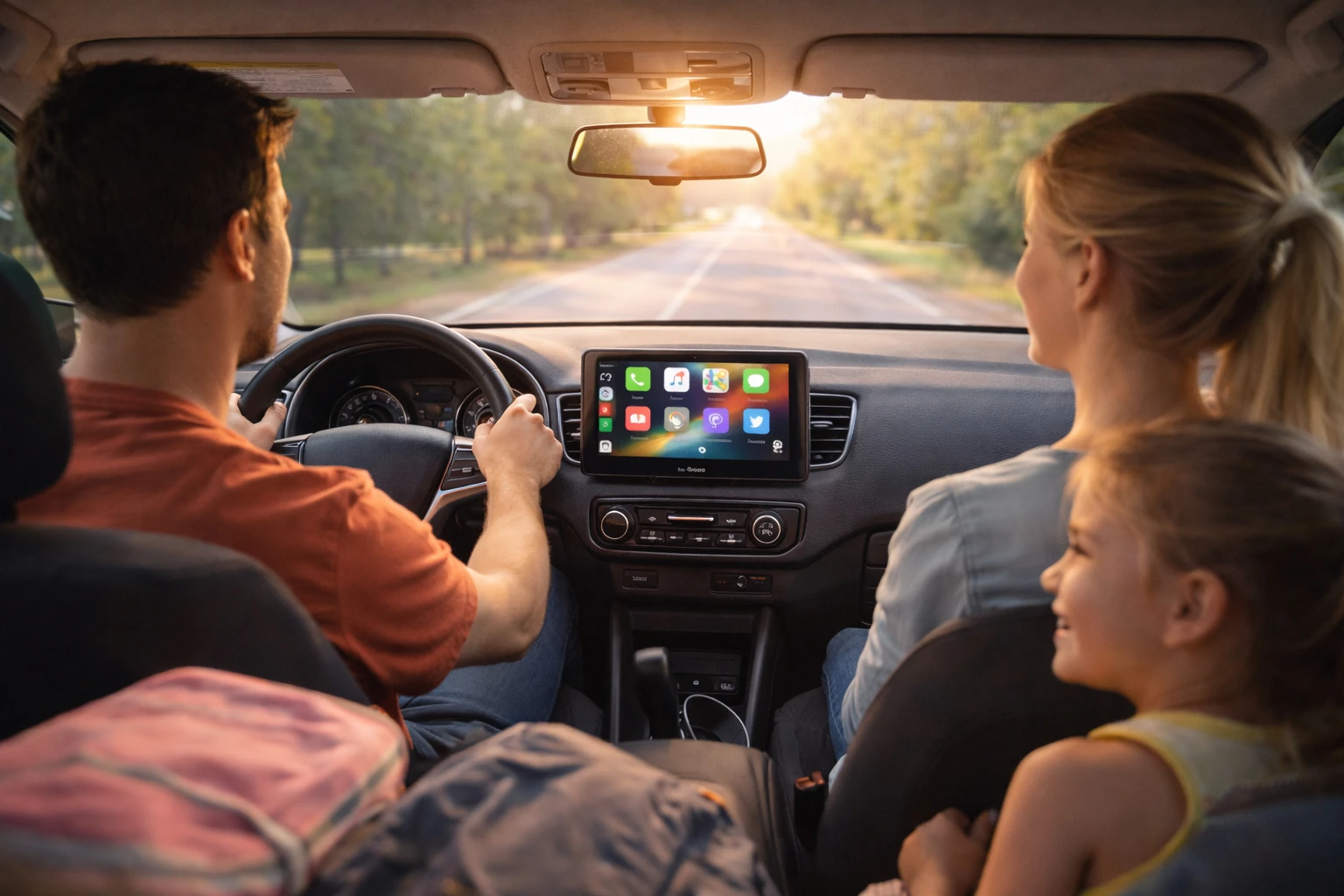
More comfort and safety thanks to wireless CarPlay displays and integrated cameras.
Short guides on compatibility, setup and features.
VOLAM CarPlay works with iPhones that support CarPlay, as well as many Android devices via Android Auto or Mirror Link. Wireless CarPlay usually requires Wi‑Fi/Bluetooth; check compatibility in the product description.
Activate Wi‑Fi and Bluetooth on your smartphone, start the VOLAM display and select the CarPlay connection in the Bluetooth/Wi‑Fi settings. Follow the pairing instructions shown on the display and phone.
The model range typically extends from compact 7" screens to large 10.25" panels. Choose the size according to installation space and the level of visibility you want for navigation and media.
Some VOLAM sets include a reversing camera, while other models offer the option to connect a reversing camera. Product details and scope of delivery are listed in the respective product description.
On dashcam models with a hardwire kit, a permanent power connection at the fuse box is used to enable recording in parking mode. Other models use motion detection or start when vibration is detected.
Many VOLAM devices accept microSD/TF cards up to a specified capacity (e.g. 64 GB). Check the product description for the maximum supported card size and any pre‑installed storage solutions.
Try restarting your smartphone and the device, check Bluetooth/Wi‑Fi and remove existing pairings. A firmware update on the display or a reset can also resolve connection issues.
Some portable models offer Mirror Link or hotspot streaming so that video content from smartphone apps can be played on the display. Always observe legal requirements for use while driving.